
You've heard you "should add schema" to your website, and maybe someone's even offered to sell it to you as a ranking boost. Here's the plain truth before you spend a cent: schema markup is a bit of code that helps search engines understand your business and makes your pages eligible for the fancier-looking search results — the star ratings, the opening hours, the FAQ drop-downs. What it is not is a way to rank higher. Google has said this plainly. Once you understand the real job it does, it's a simple, worthwhile thing to add — just for the right reasons.
1What schema markup actually is
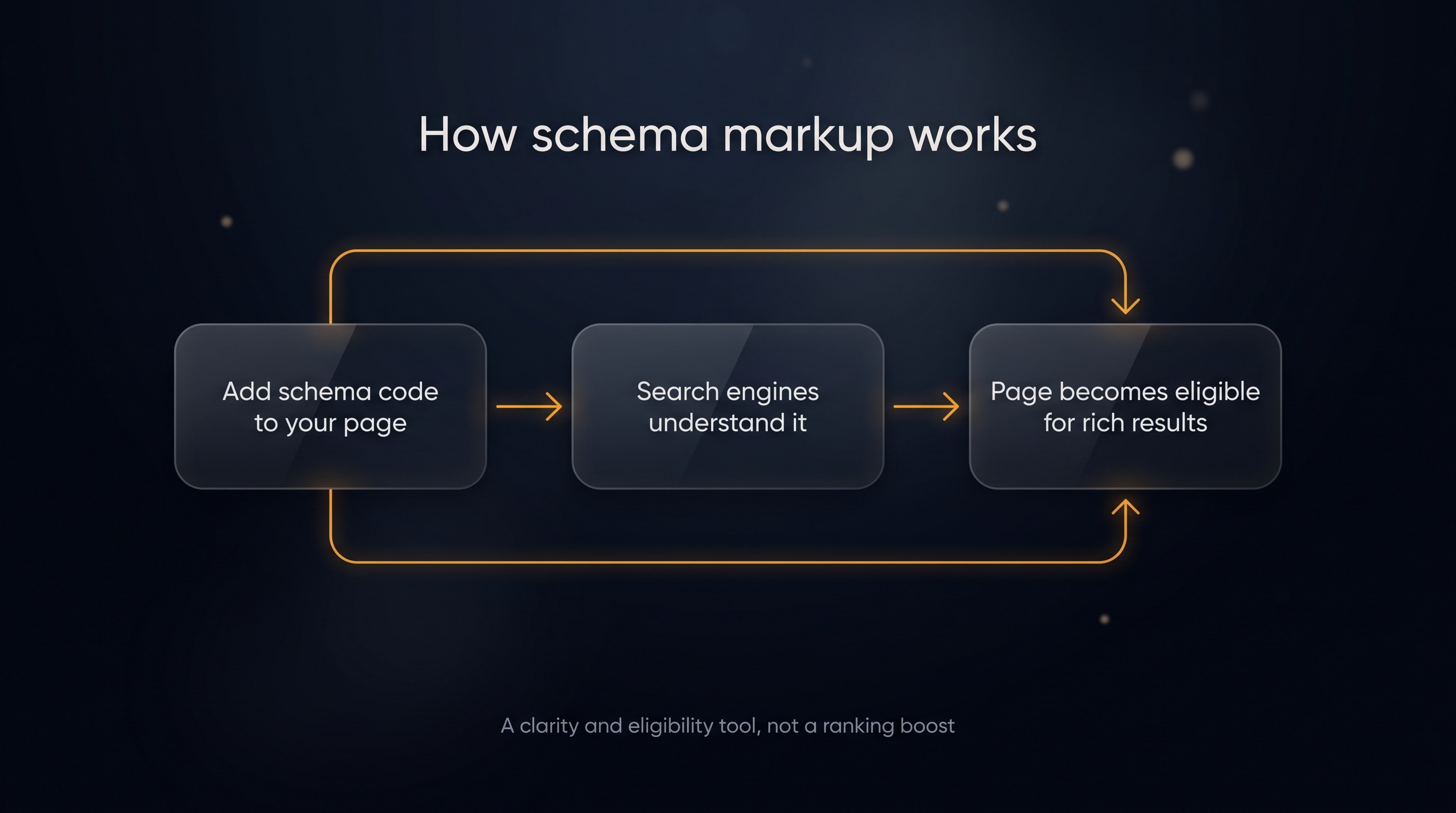
Schema markup is structured data — a small block of code you add to a web page that labels what's on it in a language search engines read easily.
Your page might say "Open 9 to 5, call us on 0400 000 000, rated 4.8 stars." A human reads that fine. A search engine has to guess what each bit means. Schema removes the guessing.
It tags the parts explicitly: this is the business name, this is the phone number, this is the rating, these are the opening hours. Same information — just spelled out so a machine can't misread it.
It doesn't change how your page looks to visitors. It works quietly in the background.
2What schema does — and what it doesn't
This is the part most "schema will skyrocket your rankings" pitches get wrong. Let's be exact.
What schema does:
- Makes your page eligible for rich results. Those are the enhanced listings — star ratings, FAQ accordions, event details, opening hours — that take up more space and stand out in search.
- Helps machines understand your business. Search engines (and AI tools) read your information more reliably when it's labelled.
What schema does not do:
- It is not a ranking factor. Adding schema does not, on its own, push you higher in search results.
Google has been blunt about this. Structured data makes a page eligible for rich results, but Google's own documentation notes a structured-data issue "doesn't affect how the page ranks." Google's John Mueller has said structured data is "to support search features and not for ranking purposes." — Google Search Central.
So why bother? Because eligibility for rich results still helps you. A listing with stars and hours takes up more room and looks more complete, so more people tend to click it. You're not climbing the list — you're standing out within it. That's a real benefit, just a different one from ranking.
3The schema types a local business actually needs
You don't need dozens of these. Three cover almost everything for a local business.
LocalBusiness
This is the foundation. It tells search engines who you are: name, address, phone number, opening hours, the area you serve, and links to your social profiles.
It's the structured-data version of the basic facts every customer wants — and it lines up neatly with your Google Business Profile, which reinforces that your details are consistent.
Review (and AggregateRating)
This marks up your reviews and your overall star rating. When it's eligible to show, it's what puts the gold stars under your listing in search results.
A quick honesty note: Google has tightened the rules on review markup, and it has to reflect genuine reviews shown on the page — not stars you've simply typed in. Used properly, it's fine. Used to fake ratings, it gets ignored or penalised.
FAQ
This marks up a list of questions and answers. It can make your FAQs eligible to show as expandable questions right in the search result.
It's also the type that overlaps most with AI search — more on that below. If you're building a dedicated questions page, our guide to an answers page AI will quote covers the writing side.
4How to add schema (the simple way)
You don't need to be a developer. Schema is usually written in a format called JSON-LD — a tidy block of code that sits in your page, separate from the visible content. Google recommends JSON-LD, so use that.
The path most local businesses take:
- Use a free generator. Tools like Google's Structured Data Markup Helper or Schema.org's examples let you fill in a form — business name, address, hours — and they produce the code for you.
- Paste it into the page. It goes in the page's code, usually in the
<head>section. Many website builders and plugins have a box for exactly this, so you may never touch raw code. - Test it. Run the page through Google's Rich Results Test. It tells you whether the markup is valid and which rich results the page is now eligible for.
If you're on WordPress, Squarespace, Wix, or similar, there's almost always a plugin or built-in setting that handles this for you. If you do have a developer, it's genuinely a ten-minute job — point them at this and they'll know exactly what to do.
One thing to remember: schema has to match what's actually on the page. Don't mark up opening hours or reviews that aren't really there. Search engines check, and mismatches get ignored.
5Why AI search benefits from schema
Here's a fair question: if schema isn't a ranking factor, does it help with AI search — the answers from ChatGPT, Google's AI, and the rest?
Indirectly, yes — and it's worth being precise about why.
Schema's core job is making your information clear and machine-readable. AI tools, like search engines, work better when your information is unambiguous. Clear, well-labelled facts are easier for any machine to read and reuse correctly. That clarity is the benefit — not a magic AI ranking lever.
But here's the important caveat, straight from Google: you do not need special markup or schema to appear in Google's AI features. Google states there are "no additional requirements" beyond normal SEO — a page just needs to be indexed and eligible to show with a snippet. So schema can help machines read you cleanly, but don't believe anyone who tells you it's a required ticket into AI answers. It isn't.
The honest summary: schema makes your information clearer, and clarity helps every system that reads your site, AI included. It's a "tidy your data" move, not a shortcut. For the full picture on getting cited by AI tools, see how to show up in AI search, and for the broader SEO context, SEO for small business in 2026.
Key takeaways
- Schema markup is code that labels your information so search engines understand it without guessing — it doesn't change how your page looks.
- Schema makes pages eligible for rich results — stars, hours, FAQ drop-downs — which can lift clicks because your listing stands out.
- Schema is not a ranking factor. Google has said structured data is for supporting search features, not for ranking.
- Three types cover most local businesses: LocalBusiness for your core facts, Review for star ratings, FAQ for question-and-answer content.
- Use JSON-LD and a free generator, paste it into your page or use a plugin, then test it with Google's Rich Results Test.
- AI search benefits from the clarity, not from schema itself. Google confirms no special markup is needed to appear in its AI features.
Common questions
Will adding schema make me rank higher on Google?
No. Schema is not a ranking factor. It makes your pages eligible for rich results and helps search engines read your information accurately, but it won't push you up the results on its own. Anyone selling it as a ranking boost is overselling it.
Do I need a developer to add schema?
Usually not. Most website builders have a setting or plugin for it, and free generators produce the code for you to paste in. If you do use a developer, it's a short job — typically about ten minutes per page.
What's the difference between schema and my Google Business Profile?
Your Google Business Profile is your listing inside Google's own system. Schema is structured data on your own website. They cover similar facts, and keeping them consistent helps search engines trust your information — but they're separate things you set up in different places.
Does schema help me show up in AI search like ChatGPT or Google AI?
Indirectly. Schema makes your information clearer for any machine to read, which can only help. But Google states no special schema is required to appear in its AI features — normal SEO and being indexed is what matters. Treat schema as a clarity tool, not an AI shortcut.
What if my schema doesn't match what's on the page?
Don't do it. Schema has to reflect what's genuinely on the page — real reviews, real hours, real prices. Search engines check, and mismatched or fake markup gets ignored or can earn a penalty.
Related articles
Want to know whether your site is even eligible for the rich results your competitors are getting?
Get a free competitor snapshot — we show you where rivals show up online and where the gaps are.
Get your free snapshot→